01
Bring the attic to the table.
Show the system without asking the homeowner to climb into the attic.
 PresentationStation
Launching January 1, 2027
The 3D sales presentation and CRM for residential HVAC replacement teams with 5–30 reps.
Bring your recommendations to life in 3D—so homeowners understand the work, see the value, and feel confident choosing your team.
Built by a comfort advisor. Used at Royal Air Houston — Launching January 1, 2027
Launching January 1, 2027. Email or call us to ask about joining the launch list.

Built in the field
Colyn Howard is a comfort advisor at Royal Air Houston and a visual learner. He created Presentation Station to bring the system to life for reps and homeowners.
“A lot of companies can tell you what they’re going to do, but not a lot of companies can show you what they’re going to do.”
The guided comfort assessment
Start with discovery. Use the 3D system to explain the findings. Compare good, better and best options, review financing, then sign the agreement in the app.
A process your reps can practice and put in front of the homeowner.Open with the guided comfort assessment.
Use the 3D system to explain what you found.
Present good, better and best options with financing.
Sign the agreement in the app.
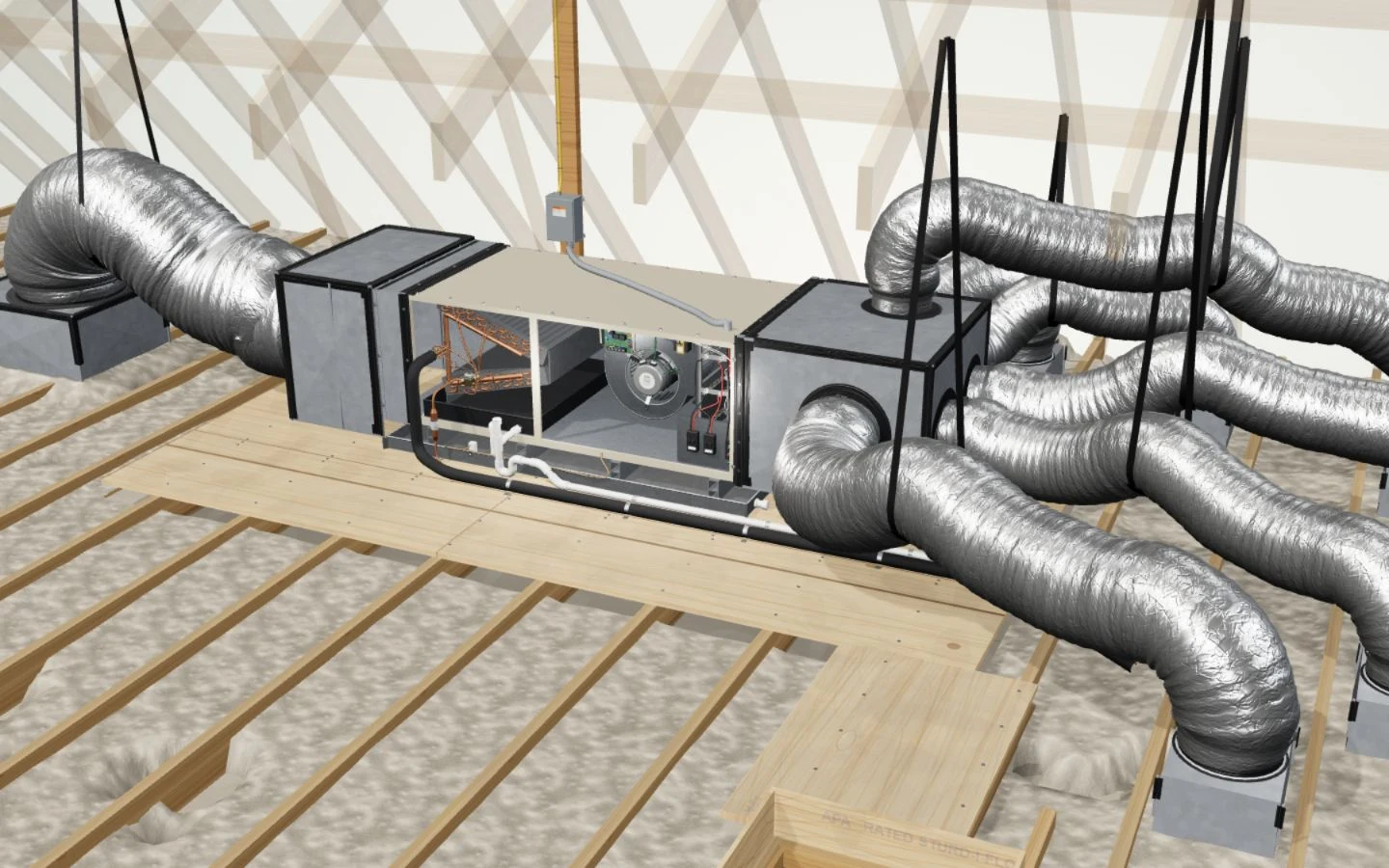
Show the system without asking the homeowner to climb into the attic.
Open the installed coil view. Point out the components as you explain what you found.
Show the blower and the air path. Explain how the parts work together.
Move from the current system to the new installation. Show the equipment and materials in the work.
Show where the media filter fits in the installation before discussing the option.
Show the UV-C light beside the coil. Explain what you are proposing to install.
Use the upright layout when that is the arrangement the homeowner recognizes.
Show the assembled wall unit, moving louver and airflow into the room.
3D product stills. The guided live tour is available on larger screens.
Open the attic system and explain the components behind the finding.
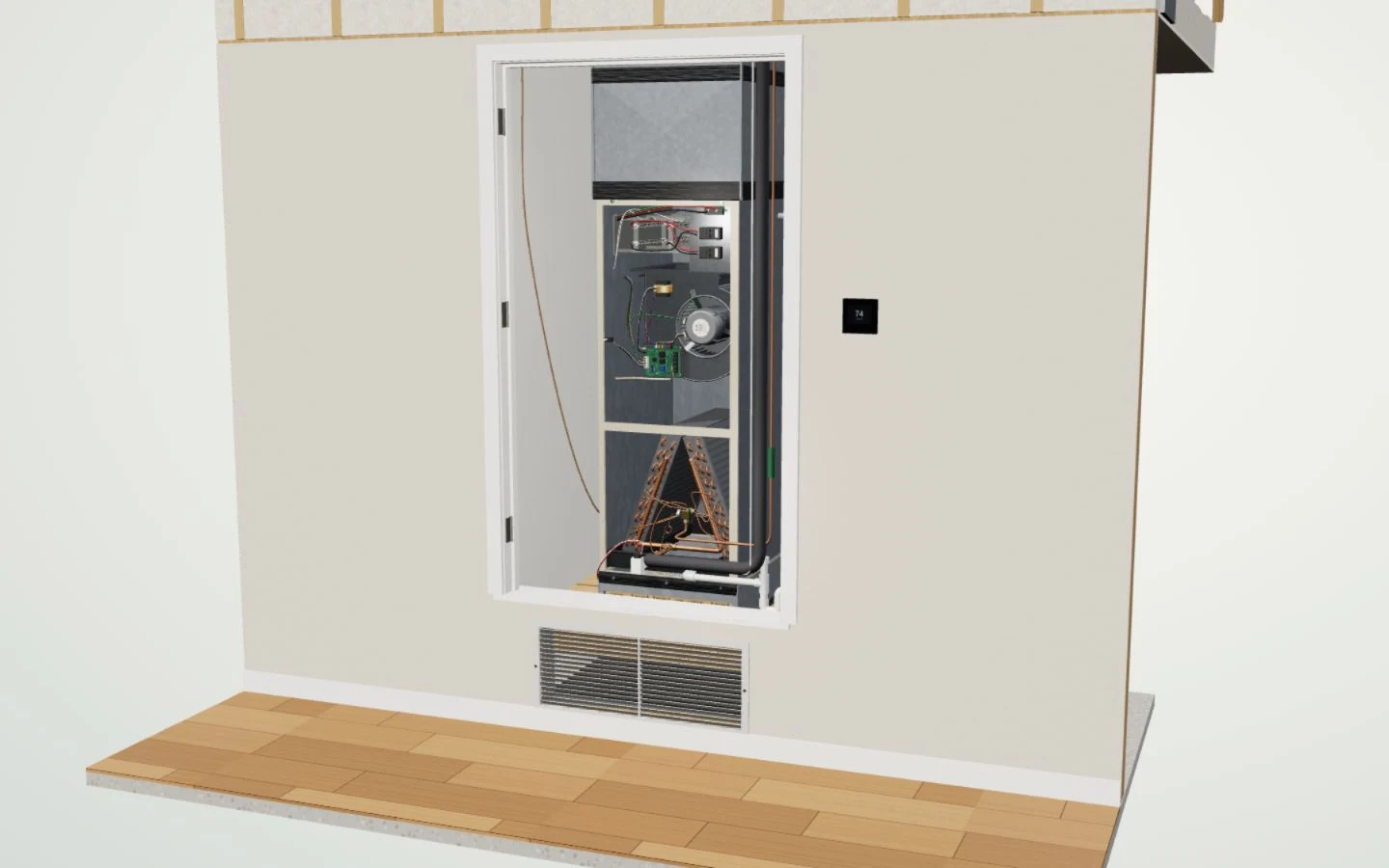
Walk through an upright system without asking the homeowner to open it.
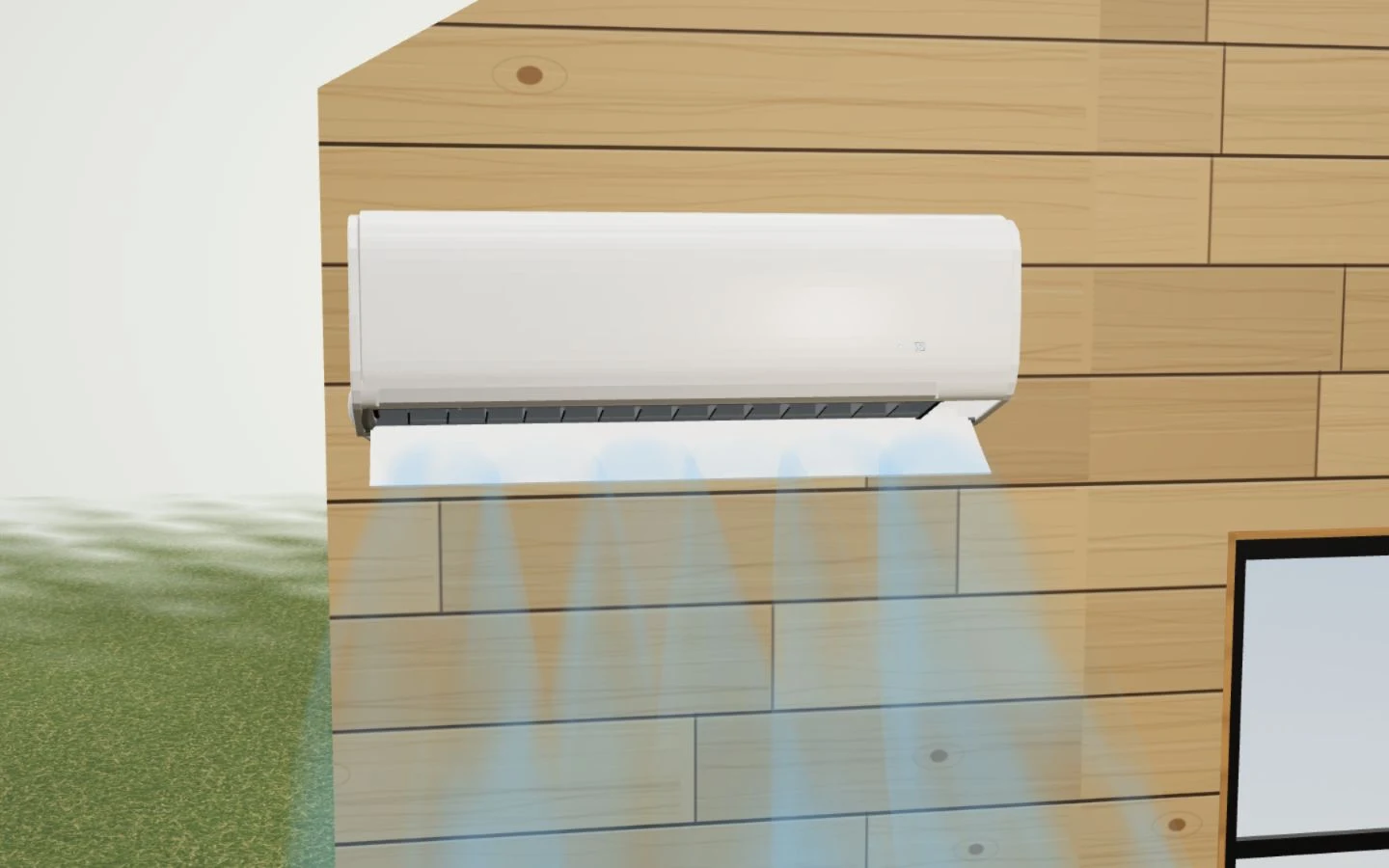
The app’s mini-split view can run the system and show the air moving.
Sample systems and illustrations — not measurements of any home.
Put a price on the work
Compare Essential, Preferred and Signature. Keep the equipment, price and saved lender terms together as you work through the options.
The homeowner can see what is included in each option.Sample homeowner
Your build
3-ton sample systemSingle-stage
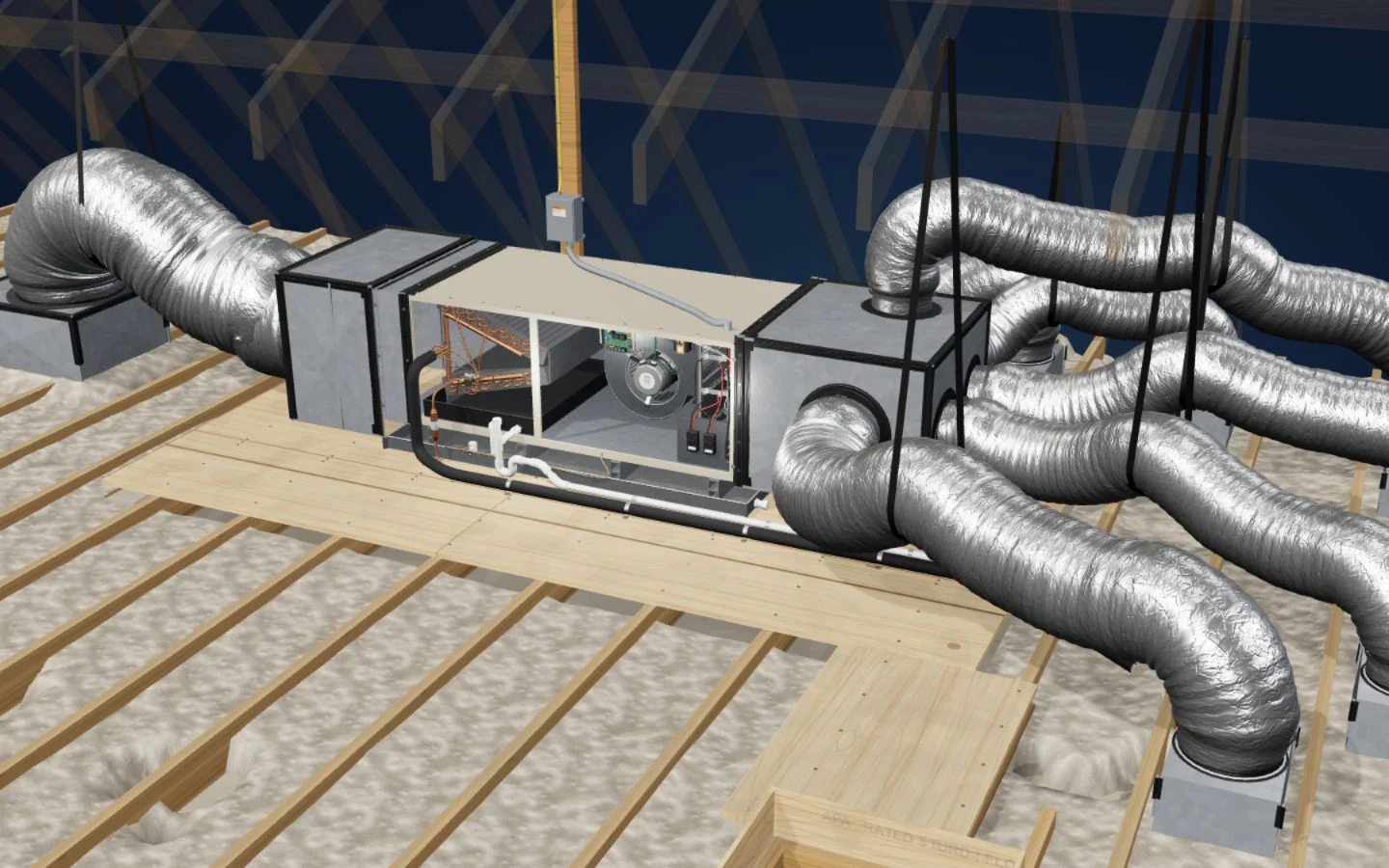 System reference
Existing equipment and ductwork are the starting point. The advisor records the home’s actual condition and findings.
System replacement · New drain pan and safety switch
Sample prices. Choose the work you want in this illustration.
Fictional equipment and prices.
Enter whole dollars to reduce the amount financed.
Fictional approvals stay on the record when you switch.
Choose another approval or increase the down payment before using this financed example.
The full example price is due in the cash view. No payment is collected.
Saved approvals remain available if you return to Finance.Standard amortization on the price less the down payment. No taxes or fees are modeled.
Agreement preview
Existing ductwork retained
Choose another approval or increase the down payment before using this financed example.
Cash selection — no lender terms
These are preview fields, not signing controls. No signature or contract is created.
The product supports signing the agreement in the app.
The CRM behind the visit
See the client record, saved quotes, follow-ups and pipeline. Pull up the owner view to see where the team’s sales stand.
Know what was quoted and who needs the next call.Presentation StationYour sales CRM, from the visit to the follow-up.Illustrated workspace · Sample data
The owner’s view
See the open quotes, the last conversation and the next move. Then open the client record with the quote and approval already in view.
Master view
Read-only CRM illustration · Sample data
Counts describe only the three fictional records below.
No answer
Review the quote before the call
Due todayAsked for time
Follow up on the options
2 days overdueSale recorded
Check the funding status
Next step recordedWho owns the next move?
Before the next call
The quote, financing status and last result sit together, so the next conversation starts with context.
Next call to review
Due todayPreferred · PS-02
Review the quote before the callDue and overdue work stays visible.
Sample home 01Approved · not sold
Last resultNo answer
Next actionReview the quote before the call
Due todaySample home 02Reviewing quote
Last resultAsked for time
Next actionFollow up on the options
2 days overdueThe advisor makes the call or sends the follow-up. This illustration sends nothing.
One client record
Saved offers, approvals, the home’s details and the next contact stay together.
Two-story home · attic system
Homeowner’s concern
“The upstairs never feels comfortable.”Fictional concern recorded during the sample visit.
EssentialPS-01 · Earlier quote
$12,500PreferredPS-02 · Current quote
$14,500Recorded approvalSample approval ASaved with the client; separate from a sale or received funds.
Available from the client record
Resume the assessment↗Financing on the client record
Know what is approved, which plans are saved and whether a plan is linked to the offer.
Separate financing example · Unlinked quote
Saved approval
2 recorded plans
These terms are saved with the approval. Neither plan is applied to this offer.
Unlinked offer
Build PS-033-ton sample system · Two-stage AC + 96% furnace
Included in this sample build
No lender plan is applied to this offer yet.
This compares the quote price with the recorded limit. The difference is not a required deposit.
The owner can see the approval and the unfinished financing step before the next call.
Example only — with approved credit. The lender’s approval sets the real rate and term. An approval does not mean sold or funded.Illustrative CRM views with fictional records.
Send a build from the proposal above to update this owner record and its invoice. The CRM overview uses separate fictional records.
Owner record
Open the field guides, or choose a visit step to review what the rep should cover.
Field guides available now
Discovery, explaining the work, payment examples and agreement review.
Read the guideKeep the concern, findings, options and next action in view.
Open the checklistPractice the four-step visit
Practice outline and website field guides. This example does not track course completion or show an app video library.
Commissions are tracked automatically under Royal Air’s pay rules today.
Setup and training
Three live sessions give your reps time to practice the presentation and sales workflow, with a step-by-step guide and kickoff slides to work from.
Show the system, explain the work and practice the visit together.Three 30–60-minute live video sessions during the first three days after onboarding.
Use the step-by-step training guide and kickoff slides to work through the presentation.
Early clients get direct founder phone access and a support email.
Step-by-step guide · Kickoff slides
Early clients get direct founder phone access and a support email.Training covers Presentation Station and its sales workflow.Owner’s math
Put in your team size, average job price and an extra-close assumption. See what those numbers add up to.
Your numbers, your math.
5 reps × $12,500 per job × 1 extra closes per rep, per month
Check the fields above to see your calculation.
The yearly figure uses the same monthly assumption for 12 months.
Revenue before job costs. These are example assumptions, not promised results or a forecast.
Before you book
No. It’s the in-home sales system: the visit, the options, financing, the agreement and the sales pipeline. It runs alongside your field-service software; it doesn’t do dispatch or accounting today.
Both. The 3D visit is built for iPad; on a phone it runs sideways.
A one-time setup plus a monthly license per sales rep. We’ll walk through it on the demo.
After onboarding, your team has three 30–60-minute live video sessions during the first three days, plus a step-by-step guide and kickoff slides. Early clients get direct founder phone access and a support email.

Why I built Presentation Station
I’m Colyn Howard, founder of Presentation Station and a comfort advisor at Royal Air Houston. I’m a visual learner, and I saw a need for a better way to explain the work behind an HVAC replacement.
On one visit, a homeowner saw his system as two pieces: an air handler and an outdoor unit. Opening the air handler in 3D showed the components inside. Then I could show the rest of the job, including pans, switches and pads.
That’s why I built Presentation Station: to bring the system to life. It gives newer reps a visual way to learn the presentation and practice explaining a high-ticket replacement with confidence.
My mission is to raise the standard of HVAC sales and help companies build a culture where their teams can thrive.
Colyn Howard · Founder, Presentation Station · Comfort advisor, Royal Air HoustonFor your next team meeting
Give your reps a shared starting point.
The Kitchen-Table CloseA guide to the homeowner conversation.→The 4-Step Visit ChecklistA checklist for the visit.→Launching January 1, 2027
Book 20 minutes to walk through Presentation Station, or join the January launch list.
One-time setup + monthly license per sales rep.
Book a 20-minute demo→Launching January 1, 2027. Email or call us to ask about joining the launch list.